
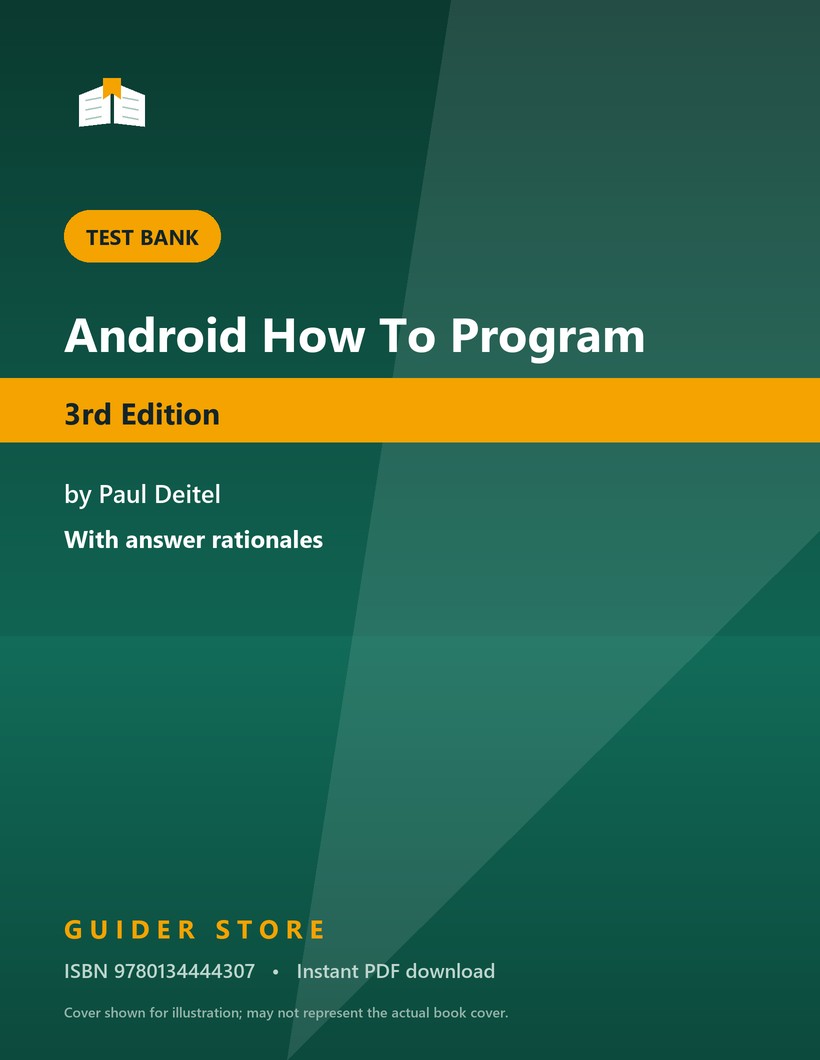


Mobile development courses are graded twice: once on an app that runs, and once on a written paper about why it runs. Android How to Program, 3rd Edition by Paul Deitel (ISBN 9780134444307) teaches through complete applications, which means the framework concepts — lifecycle callbacks, the back stack, resource qualifiers, permission models — arrive embedded in working projects rather than as a list to revise. Students finish the labs with an app on their phone and no organized account of what the platform did behind it, and the written assessment asks for exactly that account.
Why this test bank helps
Copying working code teaches you that it works, not why. Every question here is followed by a written rationale that explains the platform behavior involved — what the system does to an activity on a configuration change, why a long-running task cannot sit on the main thread, why an implicit intent may resolve to an application you never wrote. Those explanations are also what make debugging faster, because most Android bugs are a misunderstanding of the lifecycle rather than a syntax error.
What’s inside
- Questions following the book’s chapter order, so each app project has a matching block of practice.
- Concept, code-reading and applied scenario items, in the proportions this course is typically assessed with.
- A written rationale under every question, describing what the Android framework actually does and when.
- Emphasis on the lifecycle, intents and persistence, which between them account for most written exam marks.
- One organized PDF, ready to download as soon as checkout completes.
Topics covered
- The activity lifecycle — the callback sequence, saving instance state and surviving configuration changes.
- Layouts and resources — ConstraintLayout and other view groups, density-independent units, strings and resource qualifiers.
- Intents and navigation — explicit and implicit intents, intent filters, extras, results and the back stack.
- Fragments — the fragment lifecycle, adding fragments dynamically and communicating with the host activity.
- Lists and adapters — RecyclerView, view holders, adapters, layout managers and item click handling.
- Data persistence — shared preferences, internal and external file storage, and SQLite database access.
- Threading and responsiveness — the main thread rule, background work and updating the interface safely.
- Permissions and packaging — the manifest, runtime permission requests, the Gradle build and app distribution.
Who it’s for
Students in an Android or mobile application development course taught from this edition, typically computer science and software engineering majors who already know Java, and self-directed developers working through the book who want to test the concepts as well as the code.
How to use it (the right way)
Build first, then answer. Work through the chapter project so the terms have something concrete attached, then attempt a block of questions with the IDE closed. When a rationale describes a behavior you have not observed, go and observe it — rotating the device with logging on the lifecycle callbacks teaches more than rereading the chapter. This is a study aid, to be used in line with your institution’s academic-integrity policy, for preparation and self-testing rather than as a substitute for the coursework or as material taken into a graded assessment.
Sample question (shows the format — your download contains the full set)
Q. A user rotates the device while an activity is in the foreground, and the activity has not declared any configuration change handling. Which sequence of callbacks occurs?
- A. onPause, onStop, onDestroy, then onCreate, onStart, onResume on a new instance
- B. onPause followed by onResume, with the same instance retained
- C. onStop, onRestart, onStart, onResume, with the same instance retained
- D. No lifecycle callbacks occur, because rotation only affects the layout
Answer: A. By default a rotation is a configuration change: the system destroys the activity and creates a new instance so that resources for the new orientation are loaded, which is why unsaved state must be preserved in onSaveInstanceState. B describes what happens when a transparent dialog partly covers the activity. C is the sequence when the user returns to an activity that was stopped but not destroyed. D would only hold if the activity declared that it handles the configuration change itself.
Edition & format
- Matches: Android How to Program, 3rd Edition, by Paul Deitel (ISBN 9780134444307).
- Format: Digital PDF, delivered instantly after checkout.
- Access: Lifetime — re-download from your account whenever you need it.
Platform APIs and chapter projects change substantially between editions. Please confirm the edition and ISBN above match the book your course assigned before you buy.
Frequently asked questions
Is this the current edition? This set is prepared against the 3rd Edition. Android texts are revised as the platform changes, so if your course lists another edition, use that listing.
How do I receive it? Immediately after checkout, as a PDF linked on your confirmation page and stored in your account.
Do all the questions include rationales? Yes. Each item explains the framework behavior behind the answer, which is the part that helps when your own app misbehaves.
Is using a test bank allowed? As a study aid it is ordinary revision practice. Follow your institution’s academic-integrity policy and keep the material out of graded assessments.
More titles for this course are in Computing & IT Test Banks.


Reviews
There are no reviews yet.